- 1
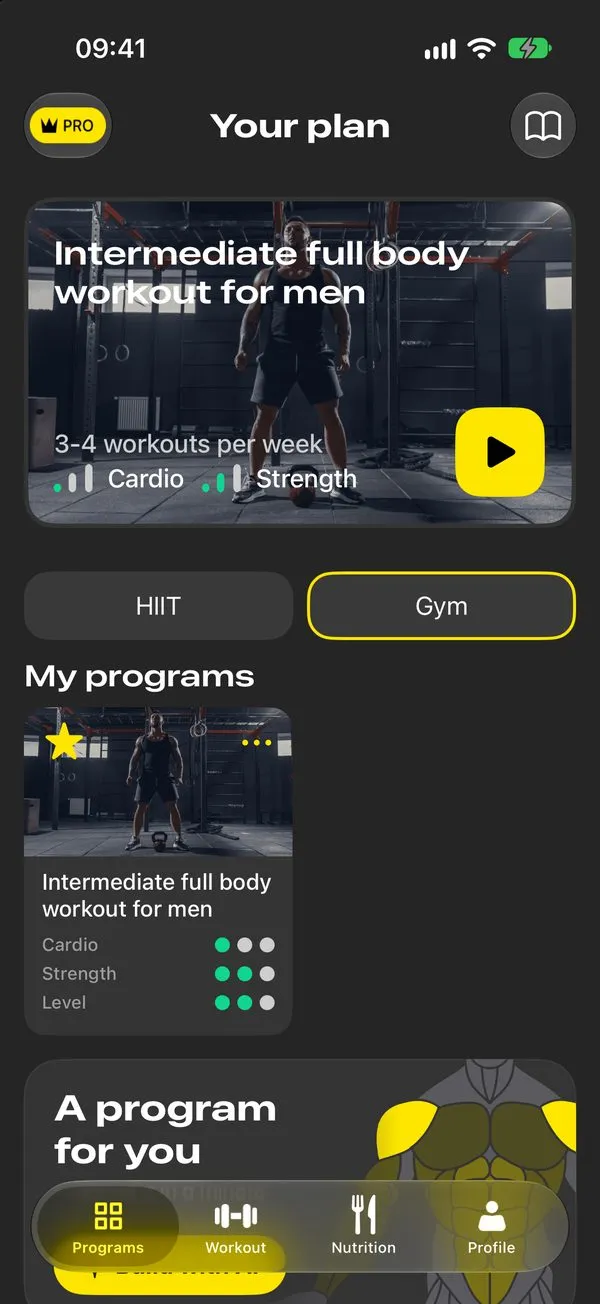
Pick a program for your goal
Lose weight, build muscle or stay fit. Programs are made for the gym or home and for your level.
- 2
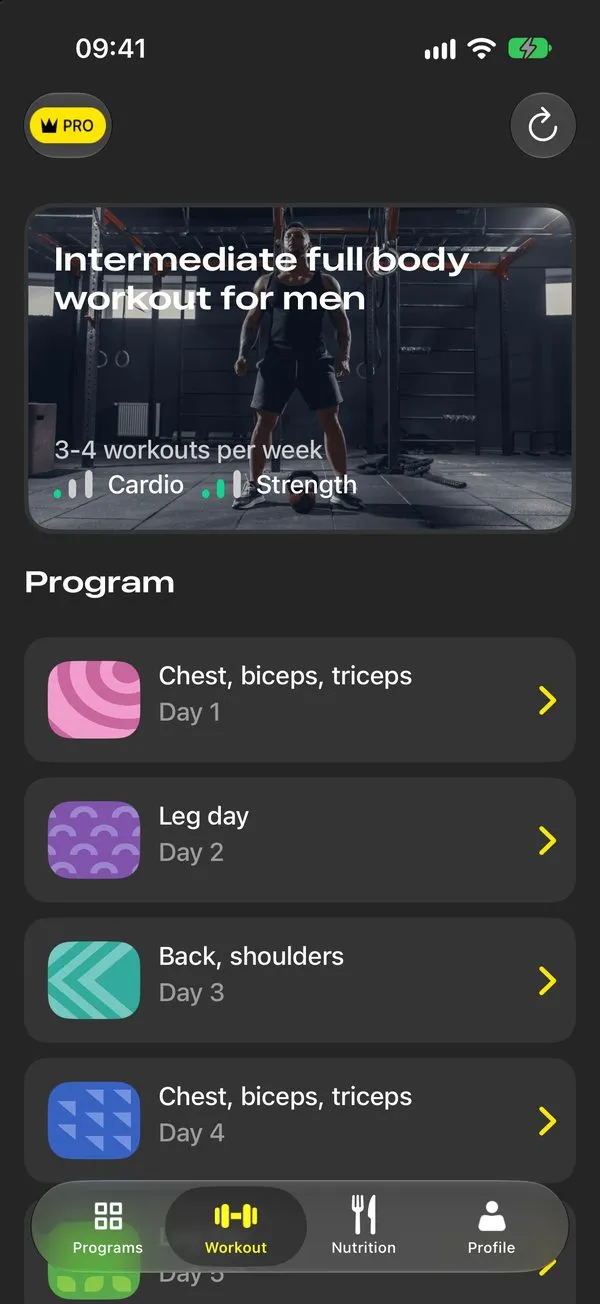
Get a plan for the week
Each day is planned by muscle group, so you know what to do before you walk into the gym.
- 3
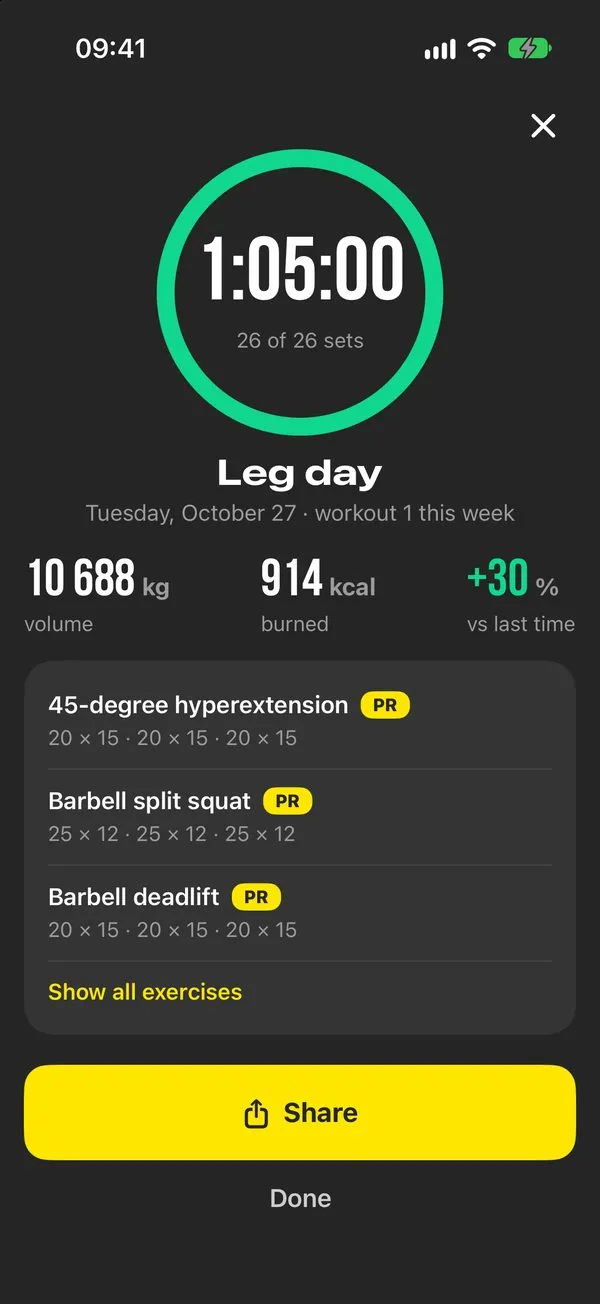
Train and track progress
Technique videos, sets and weights, a rest timer. After each workout you see volume, calories and new records.
- 4
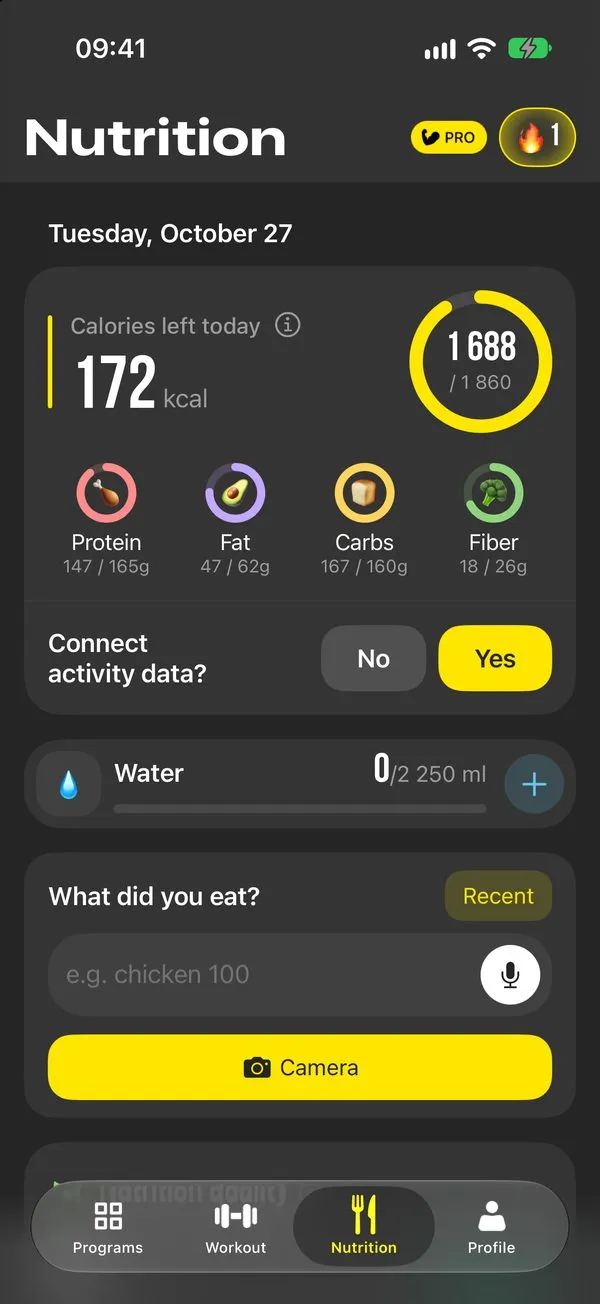
Log food from a photo
Take a picture of your plate or say what you ate. Calories and macros are counted for you.
A plan for every day
Coach-built programs for your goal and equipment, a set log and a food diary that counts calories from a photo.
Point your iPhone camera to download
Machine taken? Swap the exercise
Every workout has similar options for the same muscle. Your plan keeps working when the gym lacks the equipment or you train at home.
How it works
From picking a program to logging lunch, all in one app.
Programs built by coaches
Dots show difficulty. Start with the one that fits your schedule. All programs

Easy full body for men
3-4 workouts a week, beginner

Easy full body for women
3-4 workouts a week, beginner

Intermediate split for men
3-4 workouts a week, intermediate
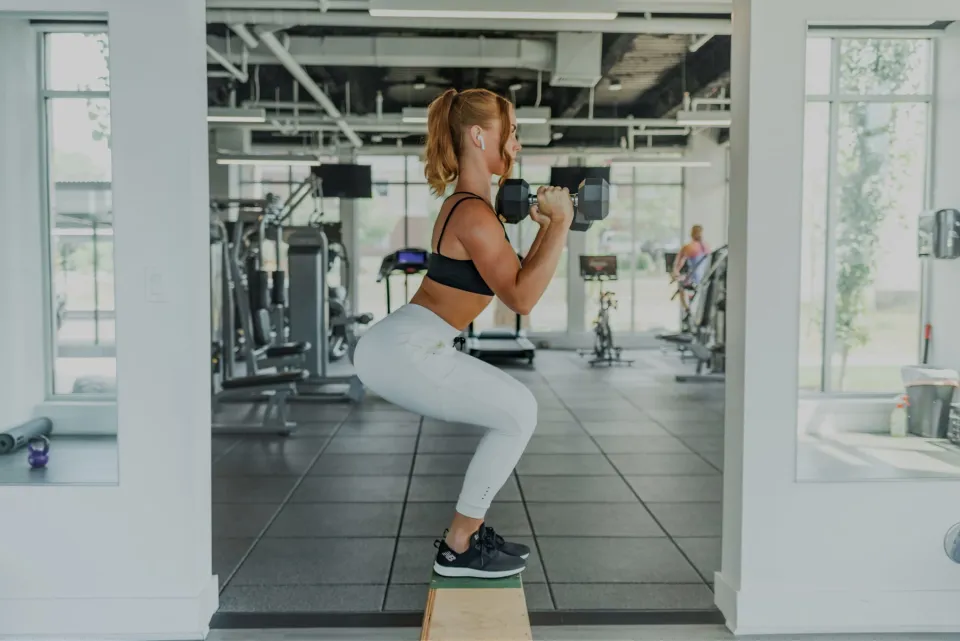
Workout for women with a focus on glutes
3-4 workouts a week, intermediate

Upper body workout for men
3-4 workouts a week, intermediate
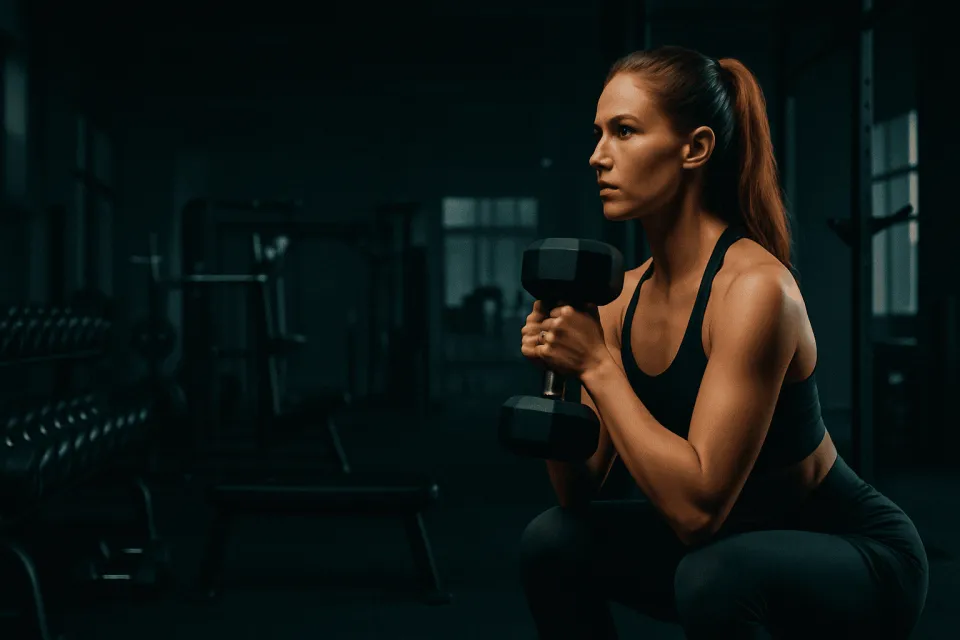
Quick workouts for women
5 workouts a week, intermediate
Nutrition you don't have to count by hand
Your calorie target is built from your data and changes as your weight changes.
- Photo of a plate or a labelThe app finds the foods, calories and macros.
- By voice or text"Chicken 100 g and rice" becomes an entry in a second.
- Water and diet qualityA score from 0 to 100 shows what your diet is missing.
Find your plan in a minute
Four questions, and you'll see the program to start with.

Who is training?
What is your goal?
Where will you train?
How many times a week?
Exercises and calculators
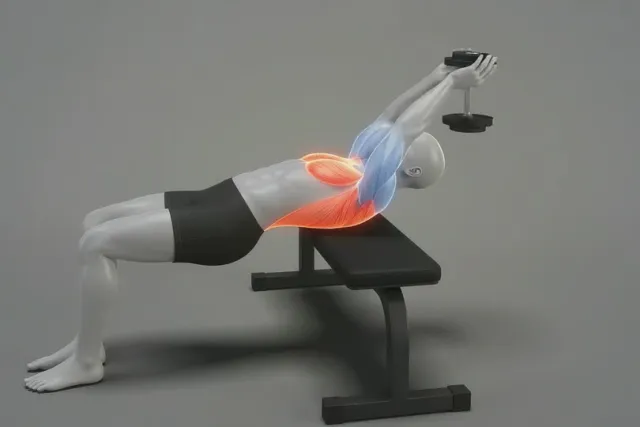
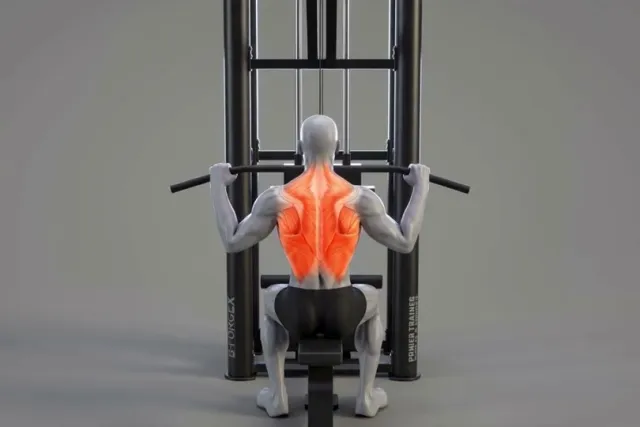
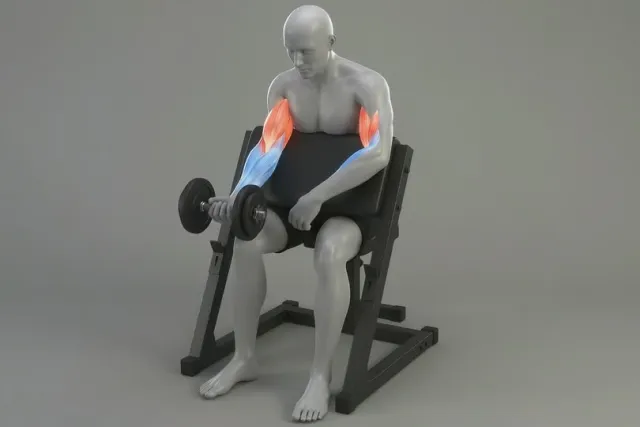
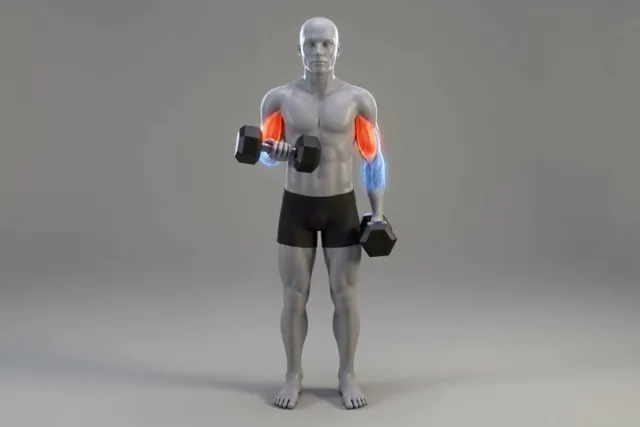
Technique for every movement with animation, and the numbers you need at the gym.
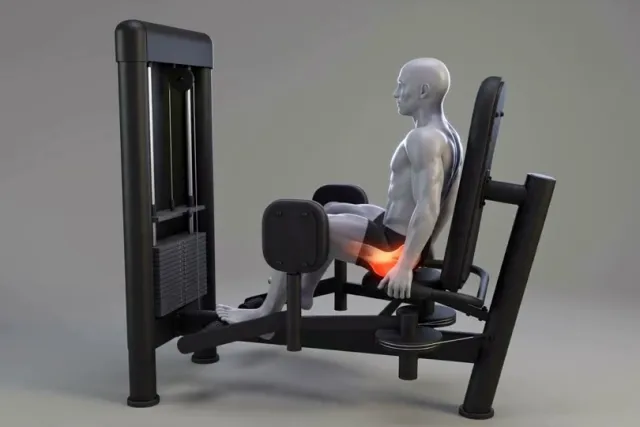
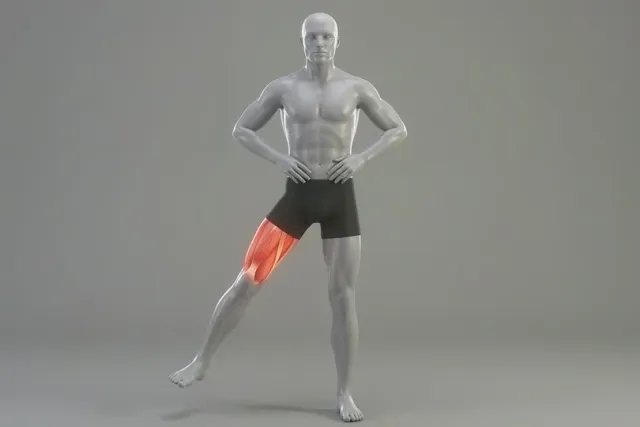
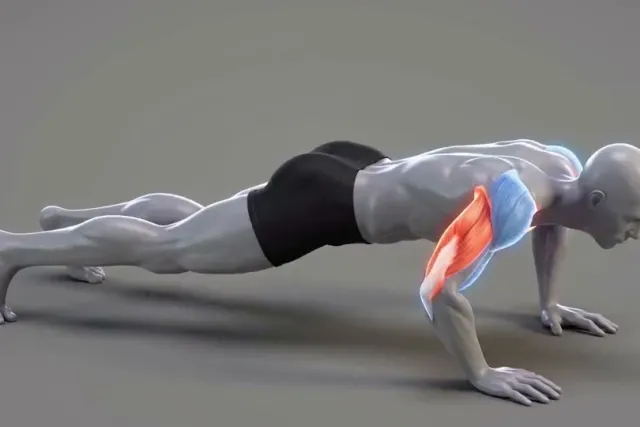
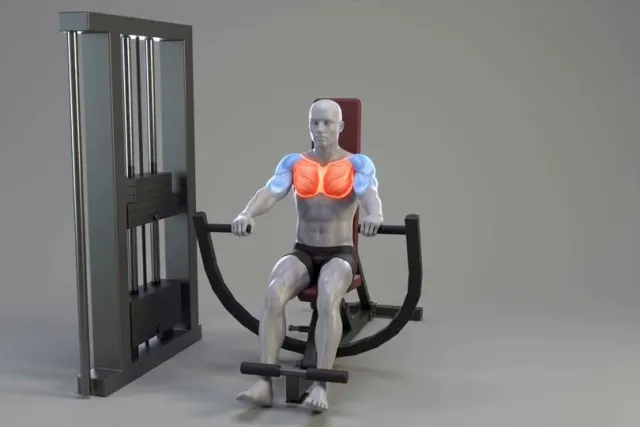
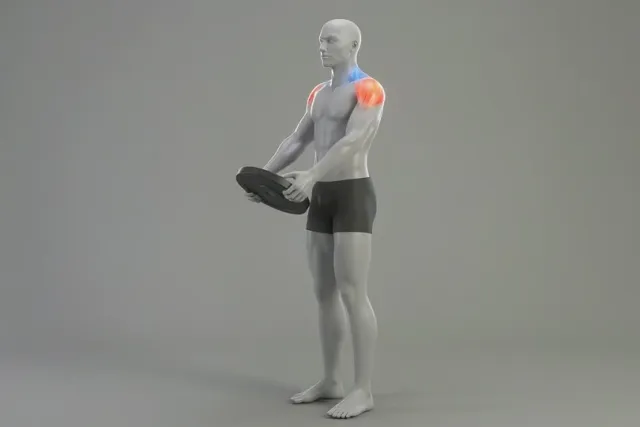
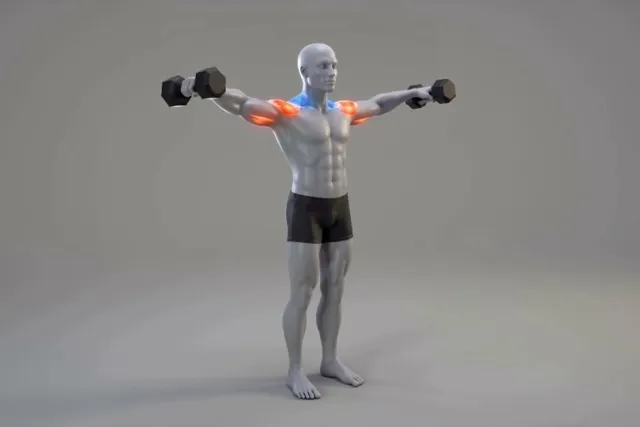
Exercise library
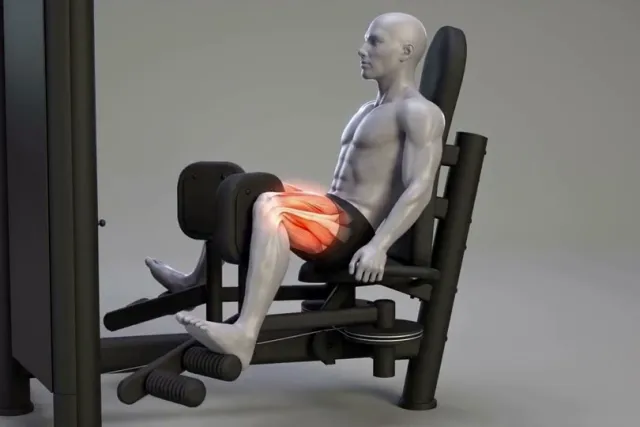
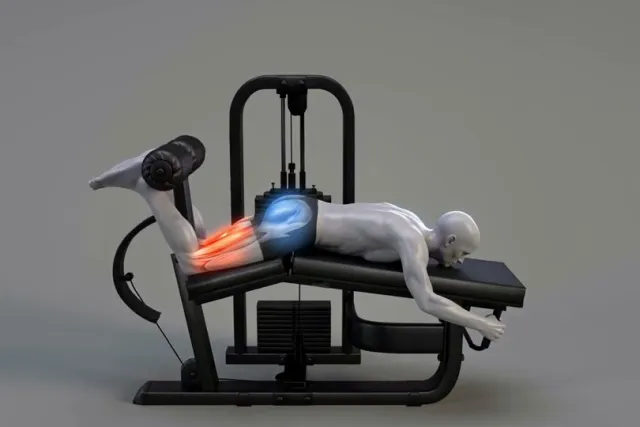
Pick a muscle to see exercises for it.
Calculators
Instant results, no sign-up, the same formula as the app.
- Daily calories from height, weight and activity
- Macros protein, fat and carbs
- Calorie deficit for weight loss
- One-rep max your max from a set
All exercisesTechnique, muscles and programs
What people say in the App Store
You can choose home or gym workouts and pick your own level. I've changed gyms three times, and every one had the machines shown in the app.
Found it on Instagram and decided to try. Training at home is very convenient.
I use it for home workouts for now, the exercises are clear.
Frequently asked questions
Is Tonus good for beginners?
Yes. Every program has a level, and there are easy options with three workouts for your first month. Every exercise has a technique video, and you see the weight and reps for each set.
Can I train at home without equipment?
Yes. The app has home programs: a 12-workout marathon, a morning workout, stretching and back exercises. If a gym program needs equipment you don't have, you can swap the exercise for a similar one.
How does the app count calories from a photo?
You take a picture of a plate or a label, a neural network identifies the foods and the approximate portion size, and the app counts calories and macros. You can adjust the grams before saving.
How is my calorie target calculated?
With the Mifflin-St Jeor equation, adjusted for your activity and the pace you choose. When you update your weight, the target is recalculated. Our calculators use the same math.
Does Tonus work with Apple Health?
Yes. Workouts and weight can come from the Health app, and food and water can be written to it.
How much does the app cost?
Tonus is free to download. Full access comes with a subscription, and the price and terms are shown in the app before you pay.
Your first workout is ready
Download Tonus, answer a couple of questions, and your weekly plan appears right away.
Download on the App Store